

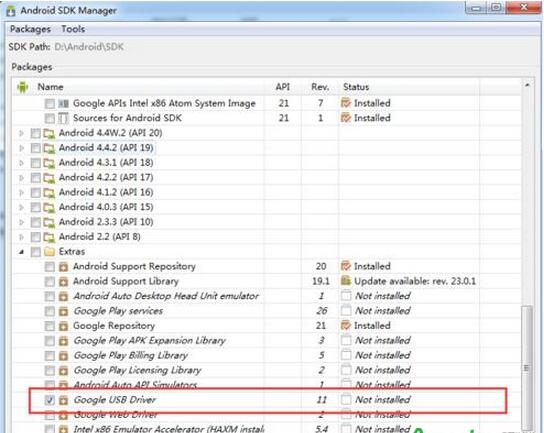
1、首先检查一下你的SDK 是否安装了,如果没有安装SDK,请先安装!如果安装SDK之后用系统管理员的身份打开SDK Manager 看下是否安装了“Google USB Driver”
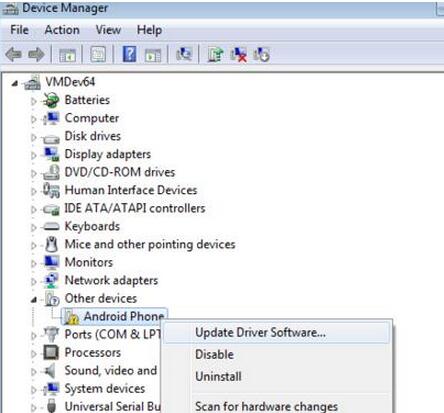
2、如果安装了“Google USB Driver”,还不能解决问题,则继续,右键我的电脑,选择到设备管理器,右键更新驱动,如图
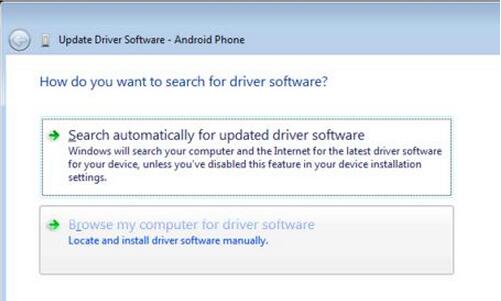
3、选择 “Browse my computer for driver software”
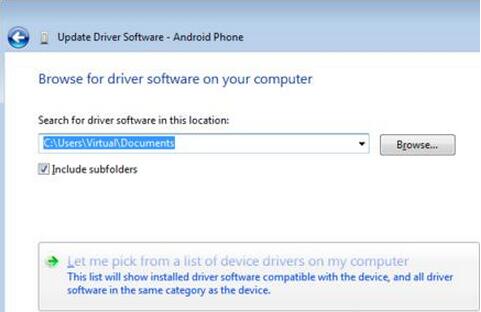
4、选择“Let me pick from a list of device drivers on my computer”.
5、选择“Show All Devices”.
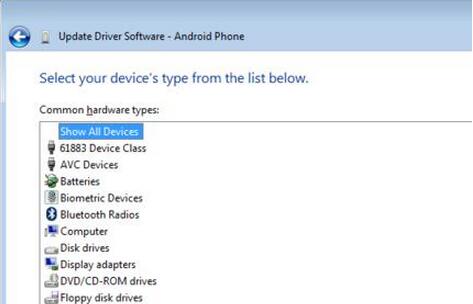
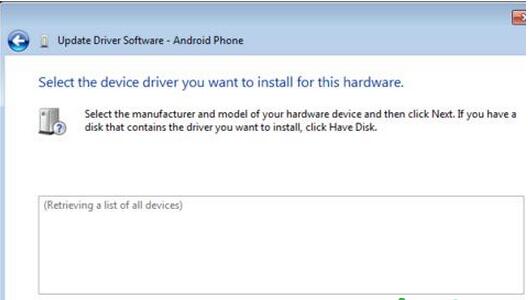
6、点击 “Have Disk”按钮.
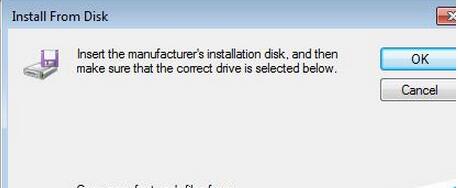
7、Enter the path to the Google USB driver. Normally it is located in the following directory:
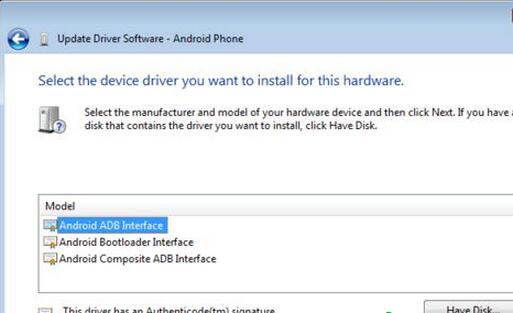
8、选择 “Android ADB interface” from the list of device types.
9、等安装完之后 回到 android studio 运行,就可以解决问题了